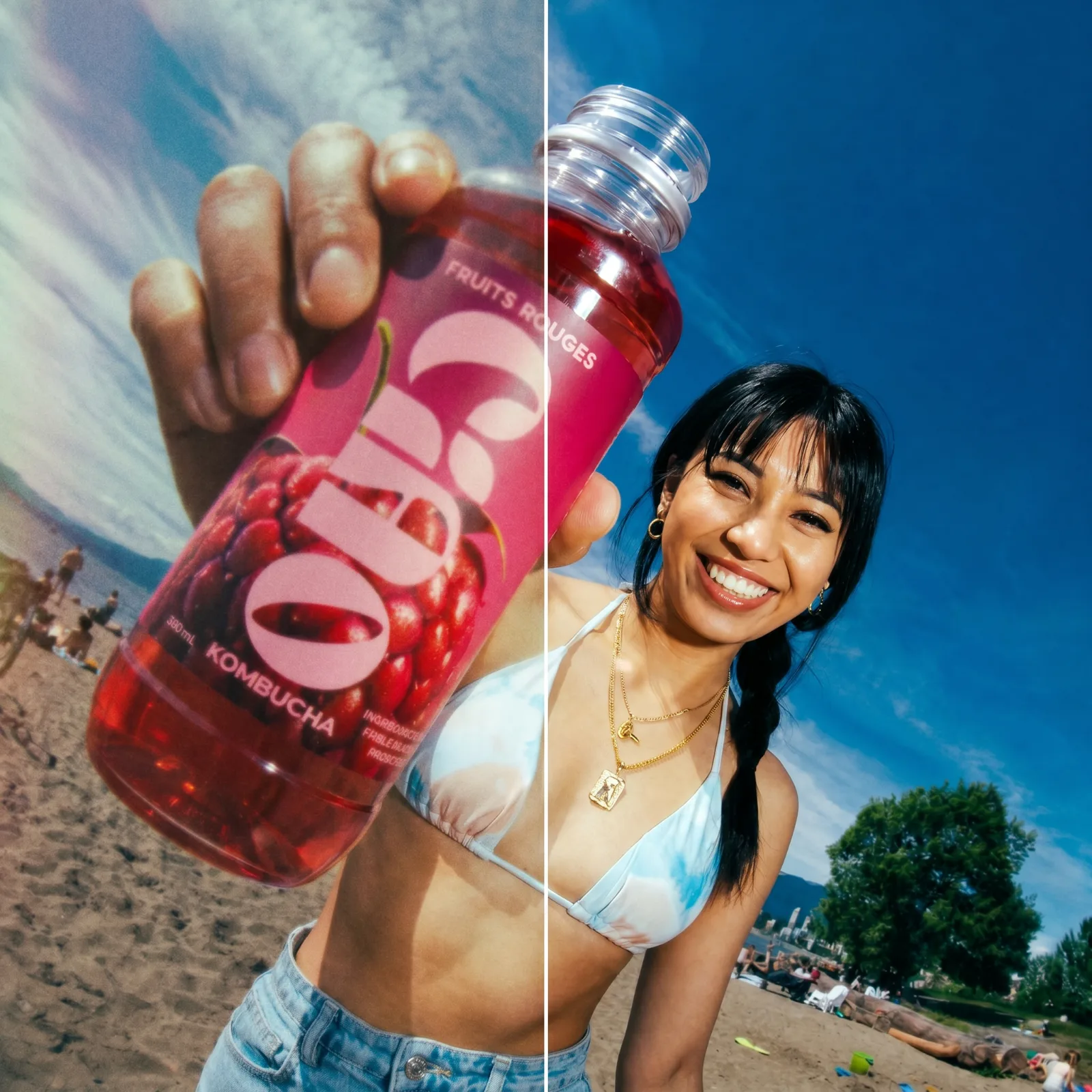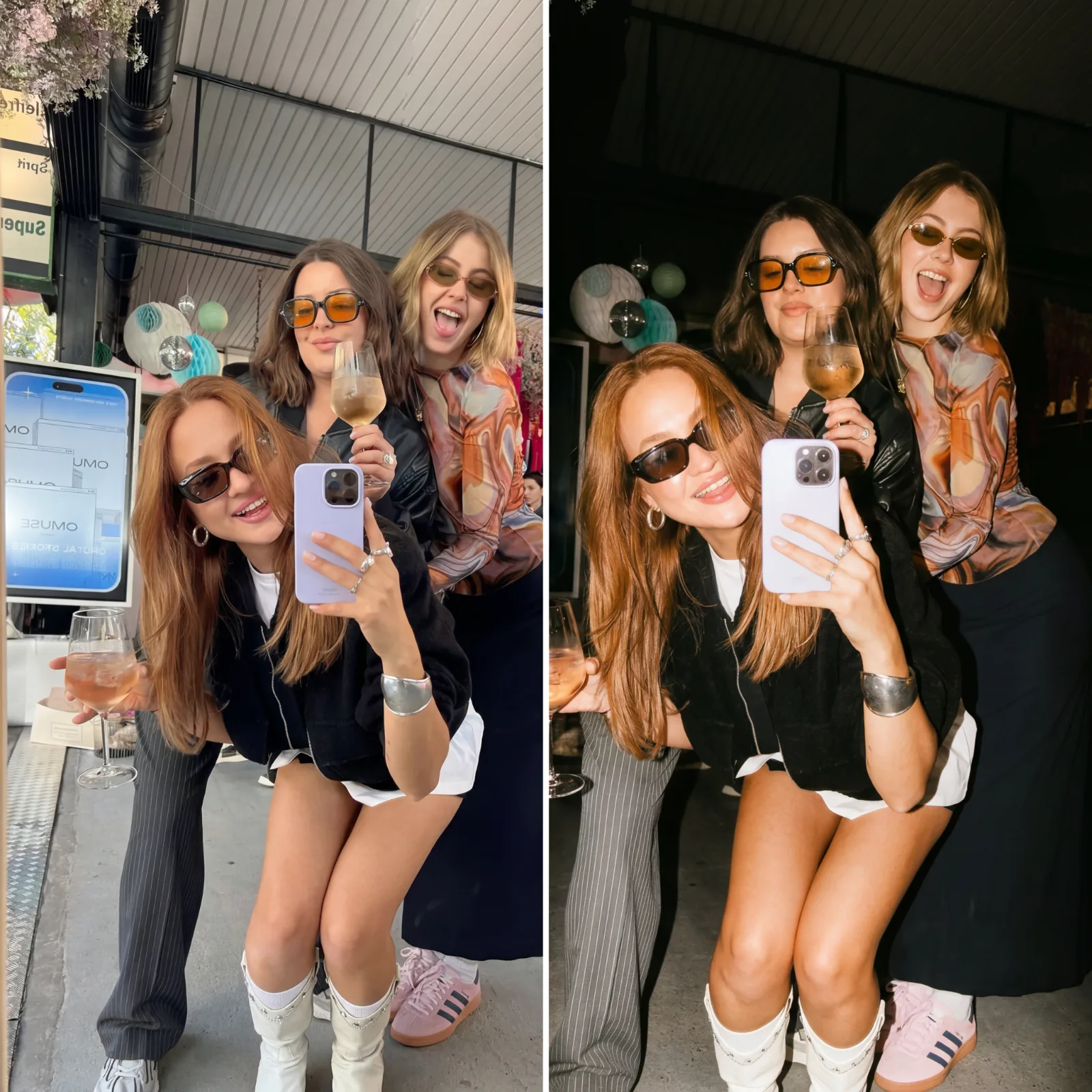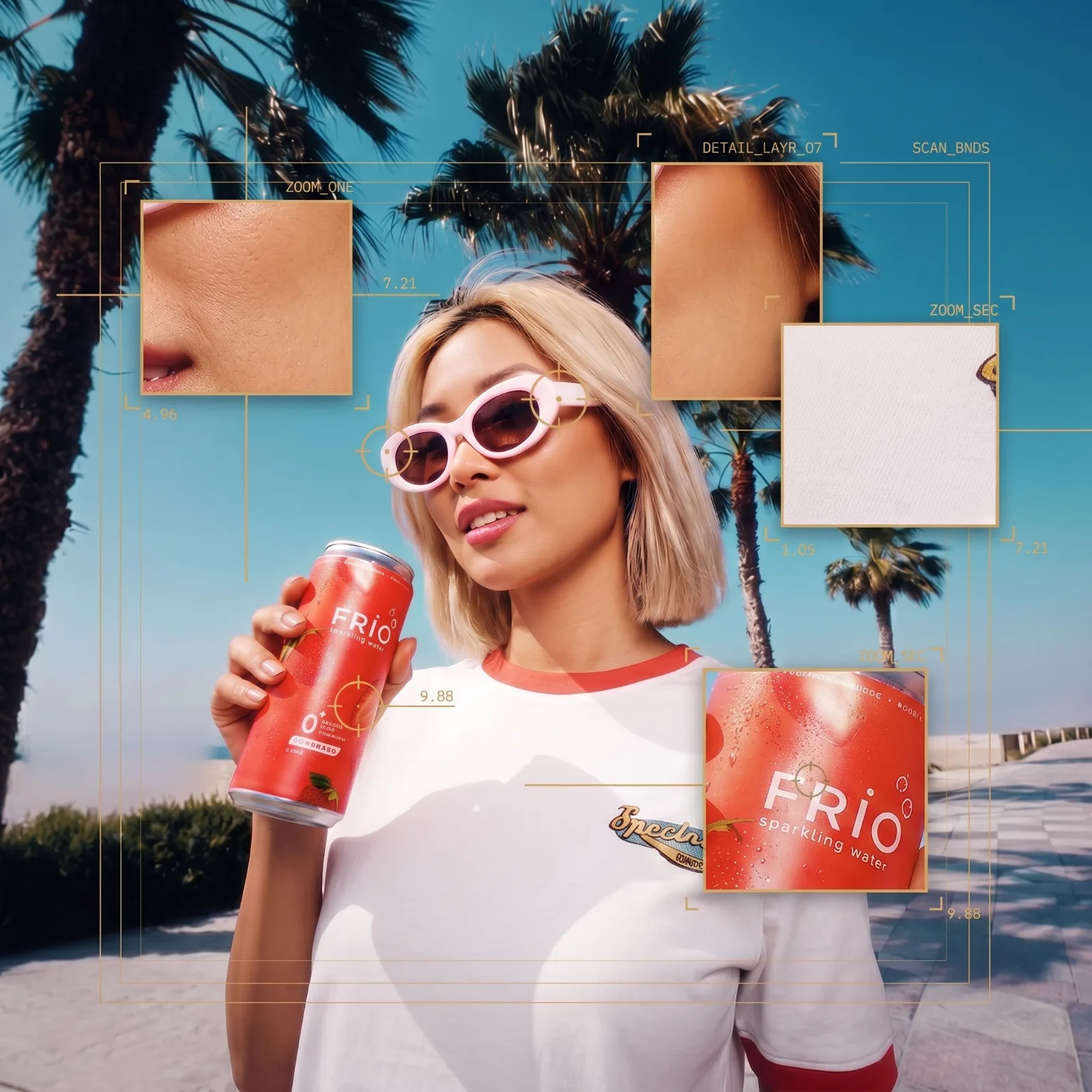
1. Replace the reference image with your own product in ChatGPT or Nano Banana. 2. Generate the matching storyboard frames using the template. 3. Upload the storyboard images into Seedance (BytePlus) as image references. 4. Copy and paste the provided Seedance prompt. 5. Generate your final high-end CGI commercial video.
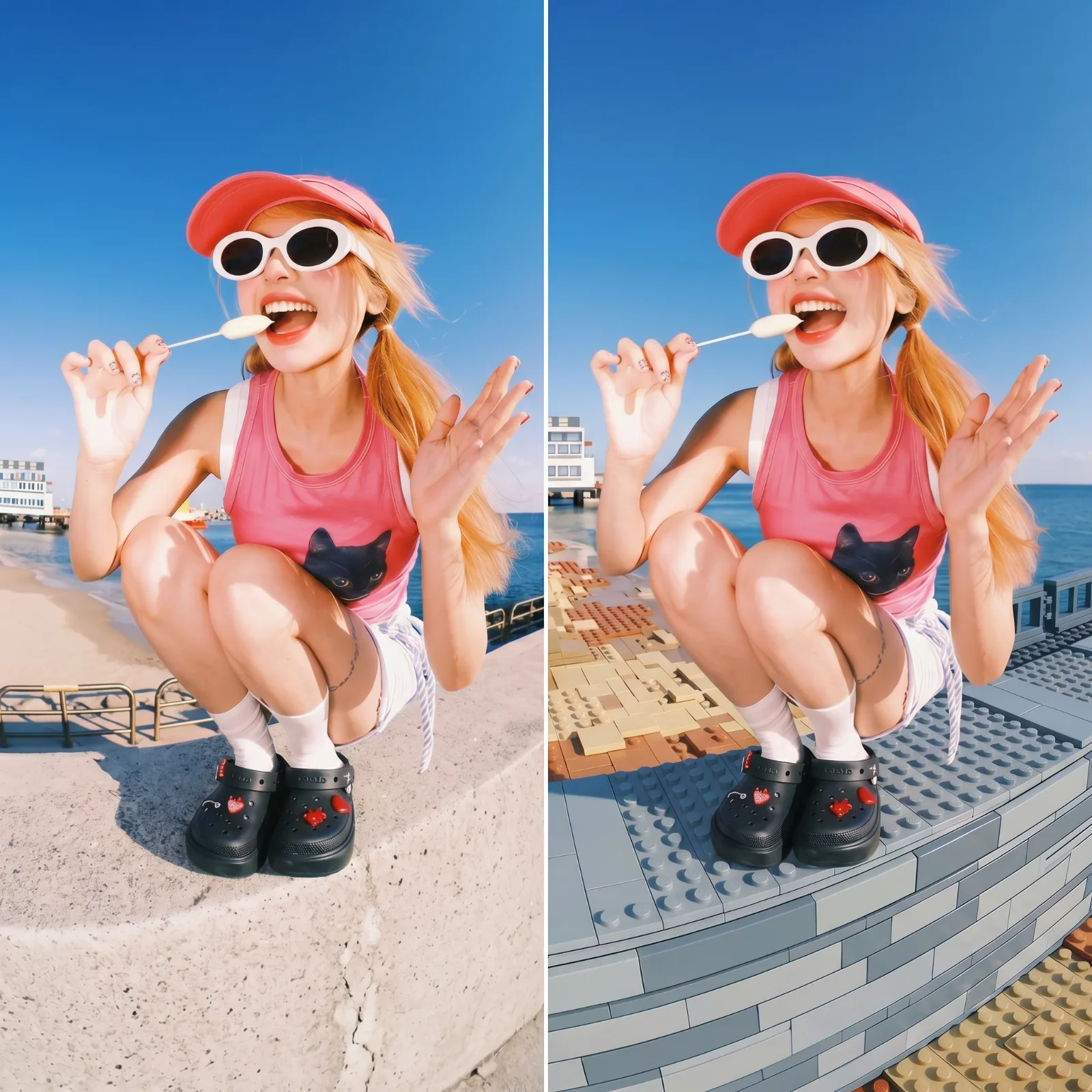
Apply a LEGO brick diorama style to the environment, surfaces, and objects in my photo using the following precise mechanics:

SURFACE & MATERIAL: All non-human surfaces (ground, rocks, terrain, vegetation, carried gear, background elements) are reconstructed as injection-moulded ABS plastic LEGO bricks. Each brick face has a smooth, slightly glossy, hard-plastic finish with subtle specular highlights at edges. Brick surfaces are uniformly flat-coloured with no photographic texture underneath — they read as solid-coloured plastic panels.

BRICK GEOMETRY & STUDS: Bricks are rendered as standard LEGO proportions: rectangular blocks roughly 3:1 width-to-height ratio, topped with cylindrical studs arranged in a grid. Each stud is a small raised cylinder (~1/6 the height of a brick), slightly lighter in tone than the brick face due to specular highlight on the rounded top. Stud grids are clearly legible — typically 2×4, 1×2, 2×2, or 1×1 plates visible depending on surface area. Edges between bricks are crisp, hard, 90-degree geometric seams with a thin darker line indicating the gap between adjoining pieces. There is mild ambient occlusion darkening in the recessed seams between bricks.

SIGNATURE LEGO MOTIFS:
- Rocky/stone terrain: medium tan (warm sandy beige), light grey, and dark bluish-grey bricks stacked in irregular stepped layers, with flat 1×1 and 1×2 tile pieces mixed in to suggest rock faces.
- Vegetation/trees: bright green LEGO foliage elements — the classic spiked/branching 4-pronged tree-top piece in lime and dark green, and flat rounded bush pieces. Tree trunks are dark brown 1×1 round bricks stacked vertically.
- Ground/earth: dark tan and reddish-brown stacked plates suggesting soil or gravel.
- Gear/equipment (bags, straps, equipment): rendered as simplified LEGO Technic or System pieces — dark grey slope bricks for angular frames, bright orange or red 1×1 round tile accents for clasps or highlights, dark bluish-grey for structural panels.
- Sky and distant landscape: left photorealistic and untouched, creating a deliberate contrast between the LEGO foreground and the real photographic background.

COLOUR PALETTE: Medium tan (#C8A96E), warm sand (#D4B483), light bluish-grey (#A0B4C8), dark bluish-grey (#4A5A6A), bright green (#4CAF50), dark green (#1B5E20), dark brown (#3E2000), bright orange (#FF8C00), and flat white (#F5F5F5) for light-facing brick tops. Colours are desaturated plastic-toy tones, never photographic.

GEOMETRY & EDGES: All converted elements use strict rectilinear, stepped geometry — no curves except for cylindrical studs and the rounded LEGO tree/bush pieces. Diagonal or sloped surfaces are approximated with LEGO slope bricks (45° or 33° angled faces with a smooth plastic surface).

DENSITY & SCALE: The LEGO reconstruction is dense and full-coverage across the foreground terrain and mid-ground surfaces. Brick scale is moderate — a typical adult figure's torso height equals roughly 8–10 brick heights, so individual bricks are clearly visible and countable. The effect occupies the full lower two-thirds of the frame.

INTEGRATION: The LEGO scene is lit to match the photo's ambient light direction — bricks on the light-facing side are slightly brighter, shadow-side bricks are darker. Cast shadows from brick stacks fall onto adjacent surfaces in the same direction as real-world shadows in the photo. The contact point between LEGO bricks and any photorealistic human skin or clothing shows the bricks ending cleanly at the body boundary, as if the person is sitting within the assembled diorama.

HUMAN SUBJECTS: Keep any people or animals that are present completely photorealistic, untouched, and naturally lit — do not apply any brick texture, plastic finish, or LEGO geometry to skin, hair, or clothing. If no person or animal is present, do not invent one.

Apply this style only to what already exists in my photo. Do not add, remove, relocate, duplicate or invent any object, person, prop or background element. Preserve the exact composition, the number and placement of every subject, the camera angle and the framing of my original image — restyle it in place, nothing more.
Use with
Best for